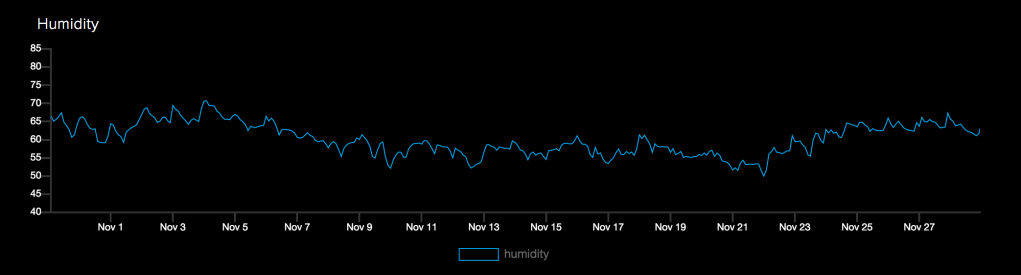
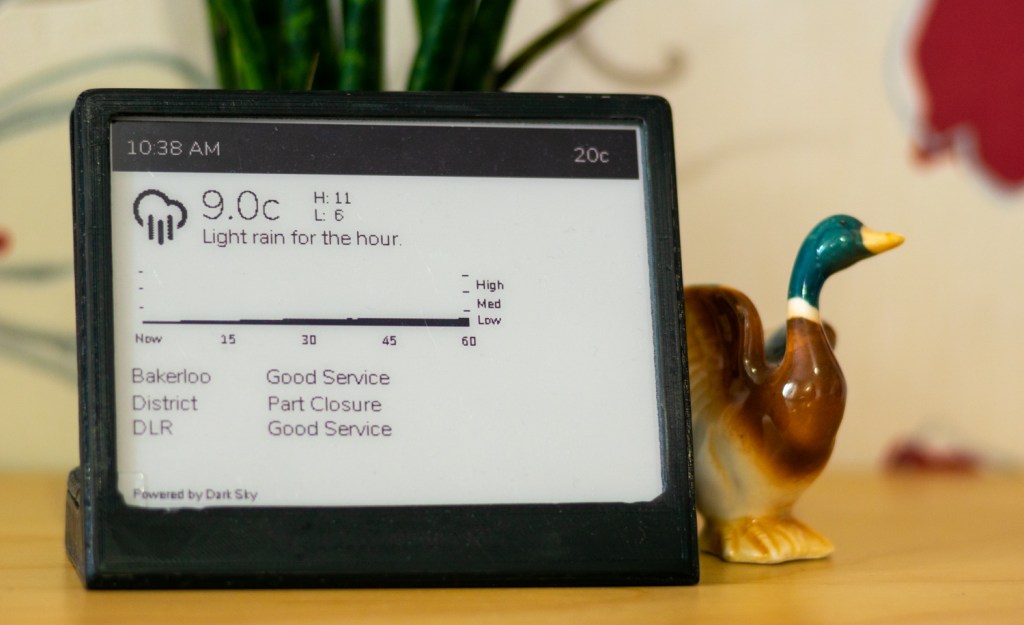
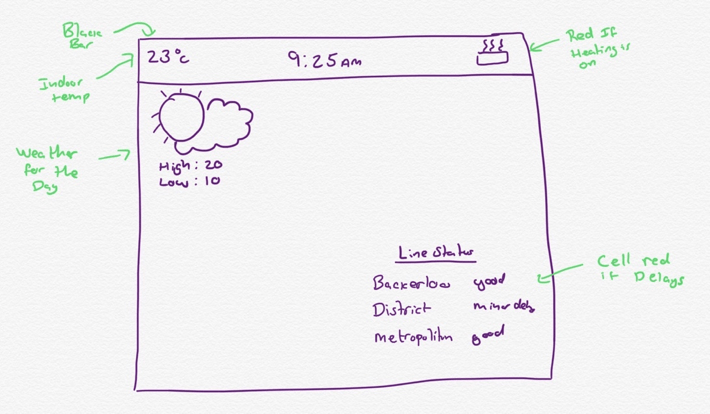
In my last post I mentioned that I also wanted my info display to show the current indoor temperature, read from the air quality monitor that I made. I built the air quality monitor a couple of years ago – it was my first experience playing with an Arduino and was a lot of fun (interspersed with moments of utterly frustrating confusion). I thought I’d put together a quick intro to what it does and how I made it.
Why Build An Air Quality Monitor?
I saw an advert for an attractive little box that you put on a shelf that monitors the air quality in your room. It has an app to view the data and send you push notifications if it the air was too unhealthy. I loved the idea – I’m a big tracker of data (I once had to log of every single ingredient of every single product I ate for an entire year) and thought it would be really interesting to find out what my environment in my house is like.
I considered buying it… I really did. Then I decided I could totally build my own. I started by buying some sensors:
 Andy Bradford